
1. Introduction#
We’re going to build a poll app. You’ll start with plain HTML and gradually add dynamic features with Bialet.
What we’ll build#
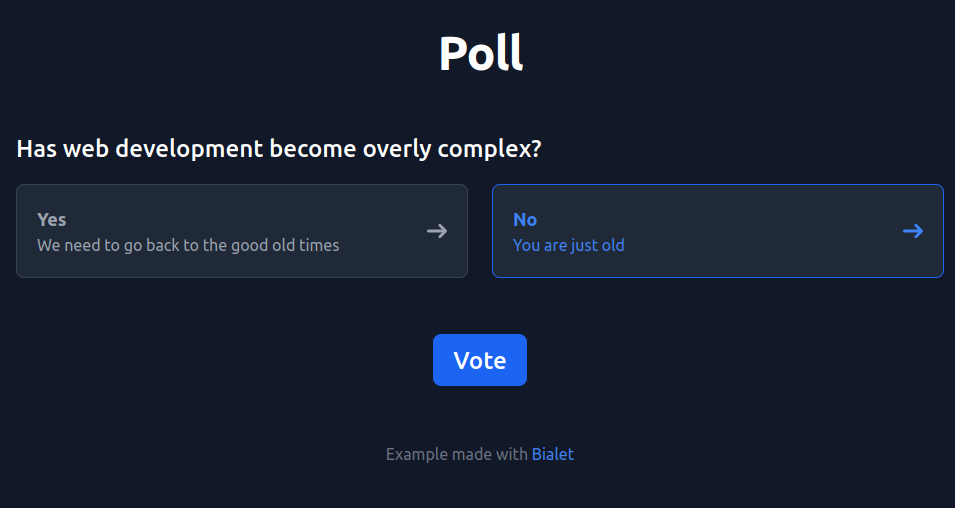
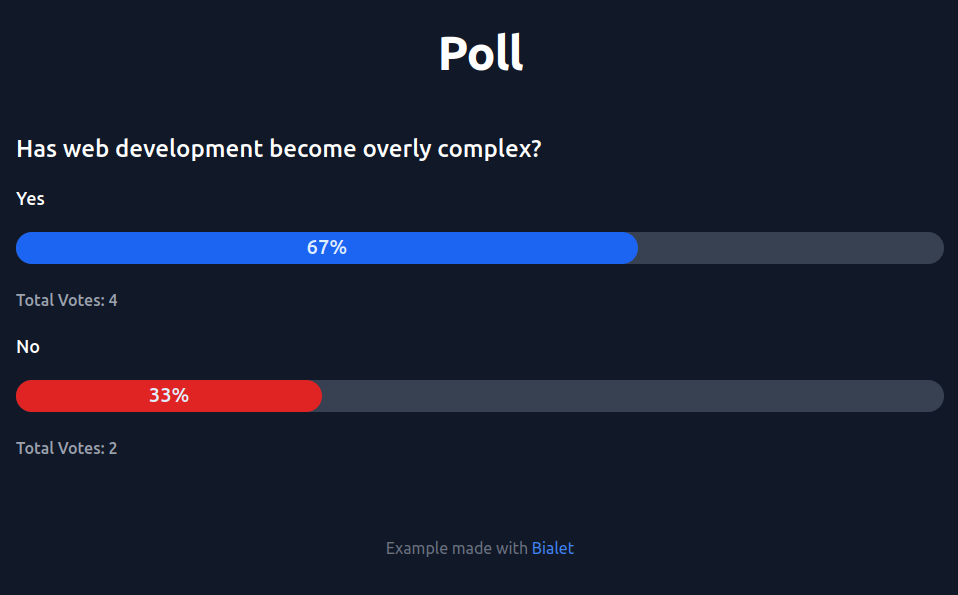
A single-question poll — “Has web development become overly complex?” — with two pages:
A vote page (
vote.html) with a form: radio buttons for “Yes” and “No”, and a Vote button.A results page (
results.html) showing vote counts and percentages as progress bars.
Right now the app is entirely static: the numbers on the results page are
hard-coded, and the vote form just posts to results.html — nothing is
recorded. Over the next chapters you’ll make it real: votes stored in a
SQLite database, counted on form submission, and rendered from the
database instead of hard-coded HTML.
The starting files#
The HTML is built with Flowbite and Tailwind CSS. Download both files:
Your project can include JavaScript, CSS, images — anything a regular HTML project would have. Bialet serves static files alongside your Wren pages.
Once you’ve copied the files, your project directory looks like this:
poll/
├── vote.html
└── results.html
Both pages repeat the same <header> and <footer>. In
chapter 4 you’ll factor that shared layout into a single
_app.wren template instead of copy-pasting it.
Running the app#
Throughout this tutorial you’ll run the app with bialet dev, Bialet’s
development mode. It enables the in-browser error display and live reload from
the start, so a mistake in your code shows up in the browser instead of a
generic error page, and file changes reload automatically. You’ll set it up in
the next chapter.
What you’ll learn#
Serve static HTML alongside dynamic
.wrenpagesRender HTML with inline templates and
{{ ... }}Store and query data in SQLite with prepared statements
Handle form submissions with
Request.post(...)and redirectsReuse a shared layout via
_app.wren
In the next chapter, we’ll set up Bialet and get a development server running.
Next: 2. Setup