
Getting Started#
In this tutorial we’ll build a working poll application with Bialet. You’ll learn how to write Wren files, query a SQLite database, handle form submissions, and render dynamic HTML — all with zero configuration.
ℹ️ Bialet has no router to configure. Every
.wrenfile is a URL at the same path, just like a static HTML file:about.wren→/about.Dynamic data lives in the query string or the path — both are equal:
article.wren→/article?id=123withvar id = Request.get("id"), or/article/my-postwithvar slug = Request.route(0). Keep routes shallow; Bialet discourages complex routing. See Advanced Routing for the full routing model.
Already familiar with Bialet? Jump to Installation or the API Reference.
Building with an AI assistant instead? Paste the AI Coding Prompt into Claude, ChatGPT, or Cursor before you start — it teaches the assistant Bialet’s conventions in one message.
What we’ll build#
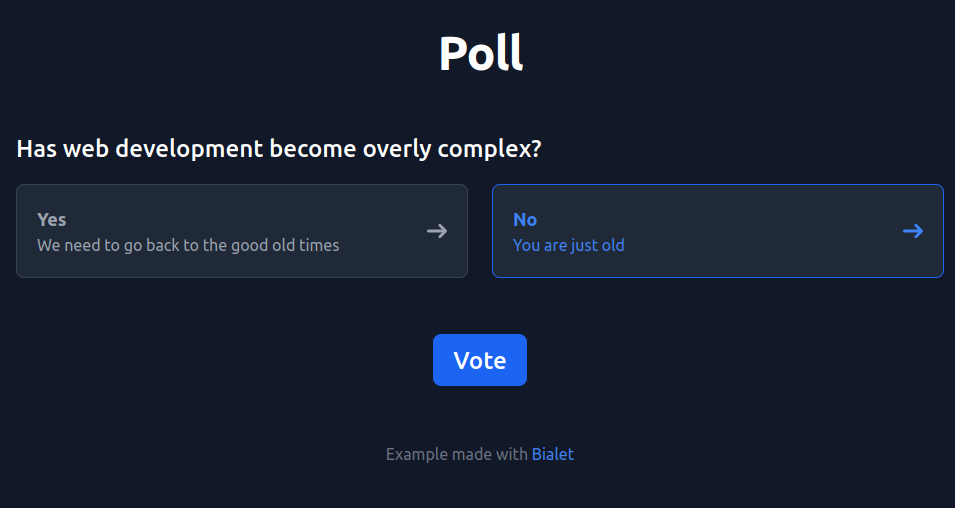
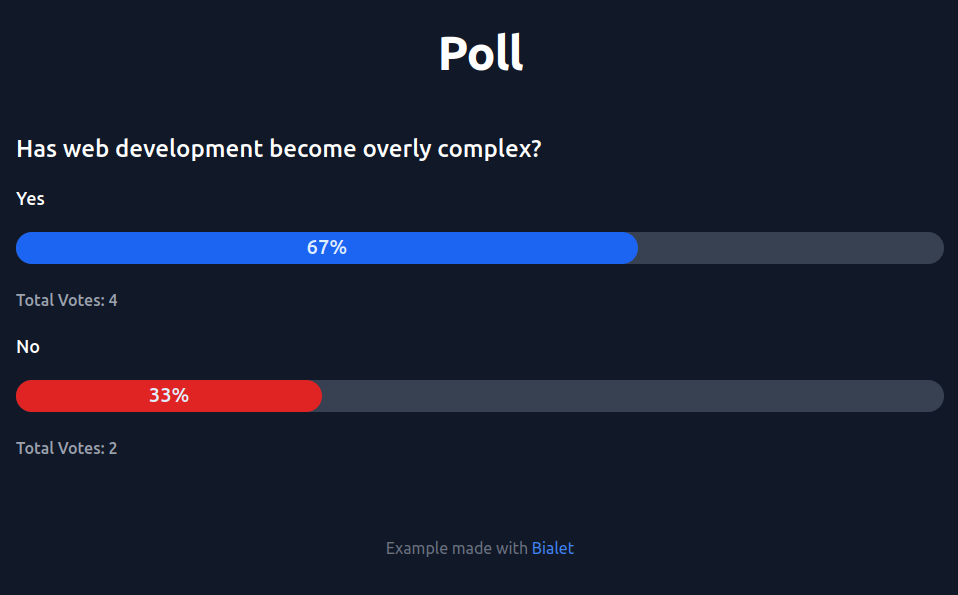
A simple poll that lets users vote “Yes” or “No” and see live results with percentage bars. Check it live.
Vote page — Form with radio buttons, styled with Tailwind
Results page — Progress bars showing vote distribution
Database — SQLite table for poll options and vote counts
Chapters#
Source files#
The complete source for each step is available:
Starting HTML and results
Templates step (Wren with static layout only)
Final app files (complete working poll)